LCD Projects

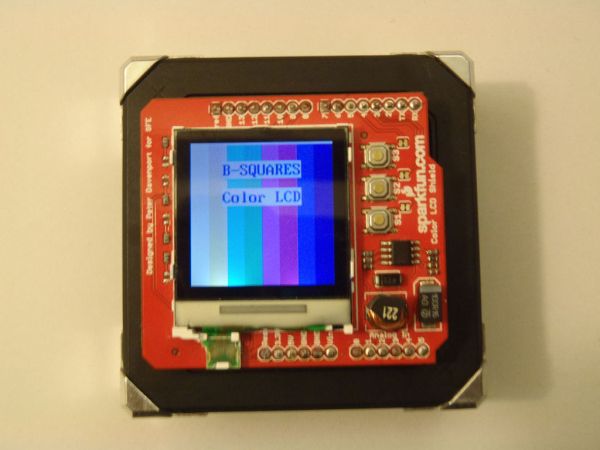
Arduino Square with Color LCD

Arduino-Square with Color LCD

B-Squares is a modular electronics platform that enables users to build, customize, and continuously update their own electronics applications. In this B-Squares App we will cover how to assemble a simple Color-LCD Application using the Arduino-Square. Hardware: 1. Arduino-Square. 2. Battery-Square 3. Color LCD Shield. 4. FTDI USB connector (3.3V). Software: 1. Arduino Software. 2. BSQ-ColorLCD

Arduino-Square with Color LCD Continue Reading

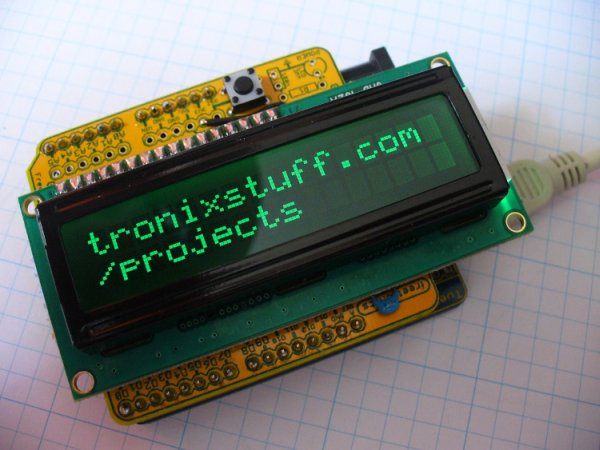
Arduino LCD from a fax machine

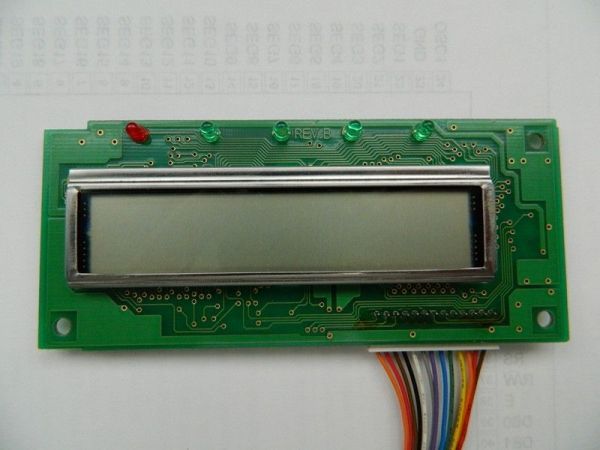
Salvaging an LCD from a fax machine using an Arduino

I acquired an old fax machine that looked like a ripe source of parts, like steppers, IR sensors, micro switches and things.  As it turned out, it was.  It also had a nice looking 2 x 16 character LCD.  However, after taking everything apart, I found the LCD only had 13 pins instead of the

Salvaging an LCD from a fax machine using an Arduino Continue Reading

Radar Screen

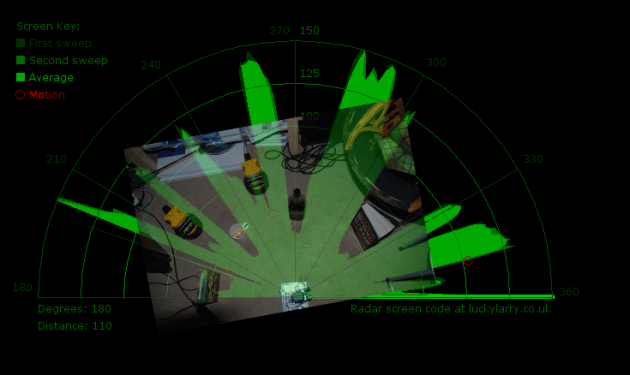
Arduino + Processing – Make a Radar Screen – Part 3: Visualising the Data from Sharp Infrared Range Finder

So I had some luck with getting the Sharp Infrared range finder working and I’ve now plugged this on to my servo rig to see if I get better results on my radar styled display. Check out how to use the Sharp IR range finder here Few things to bare in mind, whilst the code

Arduino + Processing – Make a Radar Screen – Part 3: Visualising the Data from Sharp Infrared Range Finder Continue Reading

Arduino + Processing Make a Radar Screen to Visualise Sensor Data from SRF 05 – Part 2

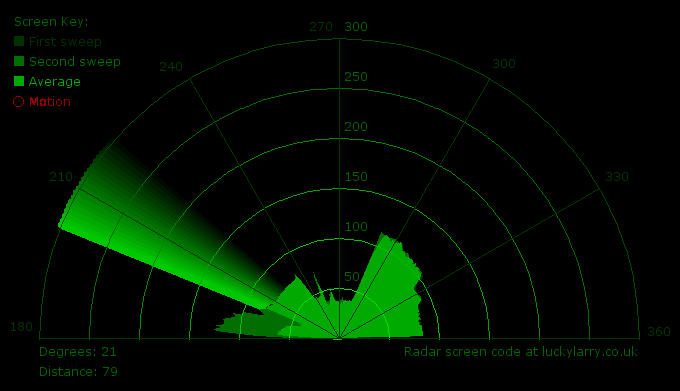
Arduino + Processing: Make a Radar Screen to Visualise Sensor Data from SRF-05 – Part 2: Visualising the Data

This is where all the work is done to read an interpret the values from the servo and the sensor. If the readings are to erratic then you won’t have nice shapes. Also if you don’t allow enough time to the signals to be sent back then you’ll get false distance readings. So this code

Arduino + Processing: Make a Radar Screen to Visualise Sensor Data from SRF-05 – Part 2: Visualising the Data Continue Reading

Arduino + Processing – Make a Radar Screen to Visualise Sensor Data from SRF 05 – Part 1

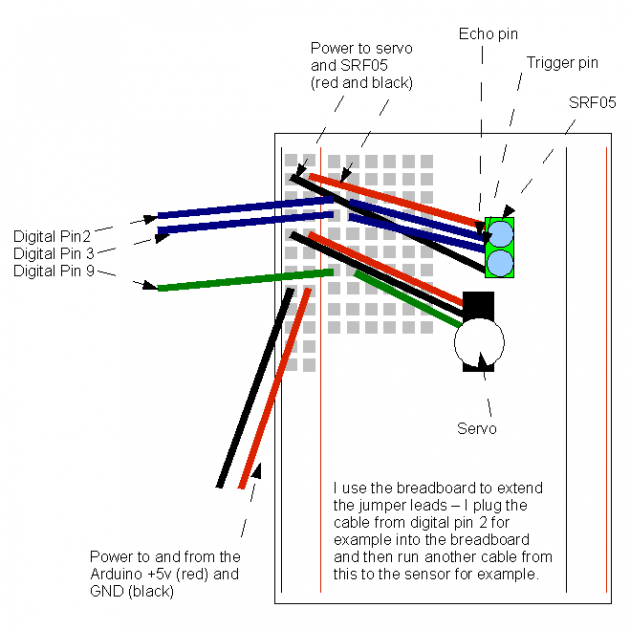
Arduino + Processing – Make a Radar Screen to Visualise Sensor Data from SRF-05 – Part 1

First things first, we need to build our circuit. This is the easy bit! We’ll be using the Arduino to control a servo that will rotate our sensor around 180 degrees. The Arduino will then send the value from the distance sensor along with the current angle of the servo to the serial port. Before

Arduino + Processing – Make a Radar Screen to Visualise Sensor Data from SRF-05 – Part 1 Continue Reading

Scroll to Top