video

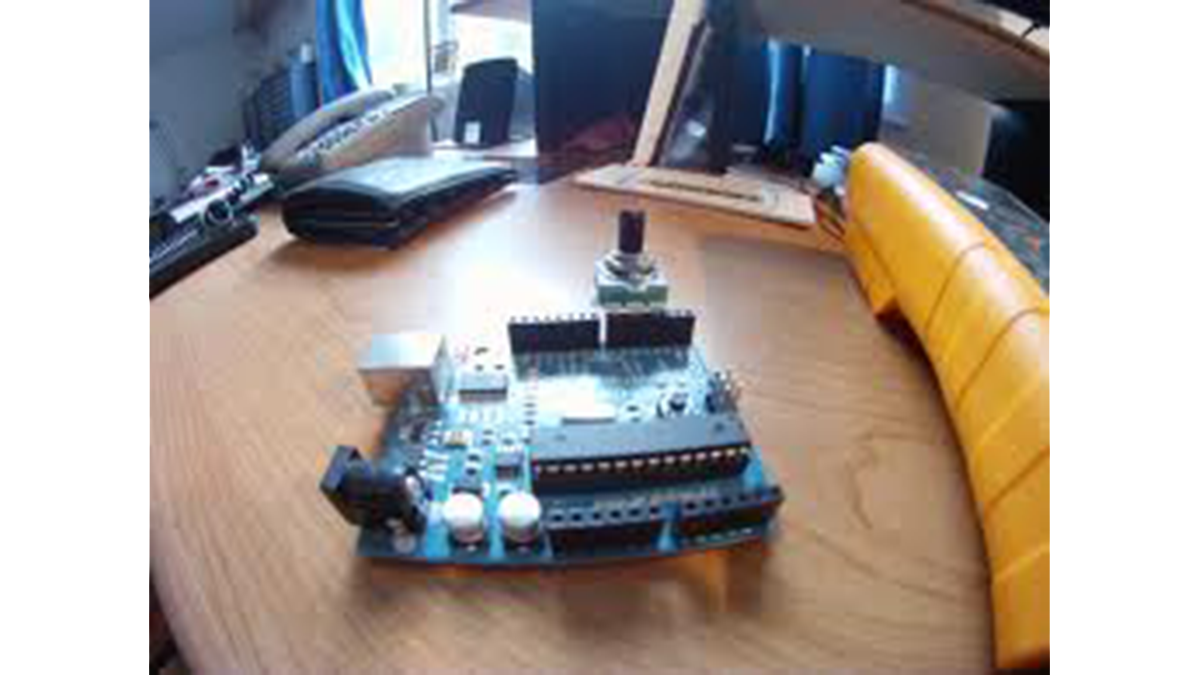
Rotary Encoder Video Tutorial with Arduino Code

Rotary Encoder Video Tutorial with Arduino Code

Rotary Encoder Tutorial with Arduino Code int pulses, A_SIG=0, B_SIG=1; void setup(){ attachInterrupt(0, A_RISE, RISING); attachInterrupt(1, B_RISE, RISING); Serial.begin(115200); }//setup void loop(){ } void A_RISE(){ detachInterrupt(0); A_SIG=1; if(B_SIG==0) pulses++;//moving forward if(B_SIG==1) pulses–;//moving reverse Serial.println(pulses); attachInterrupt(0, A_FALL, FALLING); } void A_FALL(){ detachInterrupt(0); A_SIG=0; For more detail: Rotary Encoder Video Tutorial with Arduino Code

Rotary Encoder Video Tutorial with Arduino Code Continue Reading

How to use a 1602 16X2 LCD display with Arduino

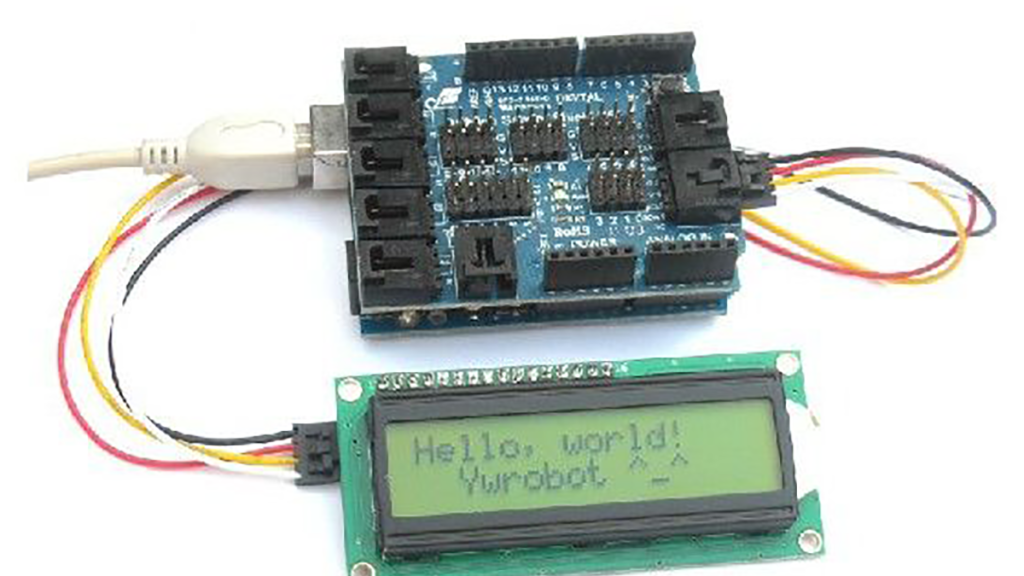
How to use a 1602 16X2 LCD display with Arduino, TI Launchpad, and standalone MSP430 video instructions

I show how to use a standard 16X2 LCD display in three different use cases. 1. With an Arduino Uno 2. With a TI Launchpad MSP430 running Energia 3. Directly on a breadboard on an MSP430G2553 running Energia This LCD display is low cost – I paid $2.26, shipped, on Ebay. It uses the standard

How to use a 1602 16X2 LCD display with Arduino, TI Launchpad, and standalone MSP430 video instructions Continue Reading

Scroll to Top