arduino

Arduino Gas detector

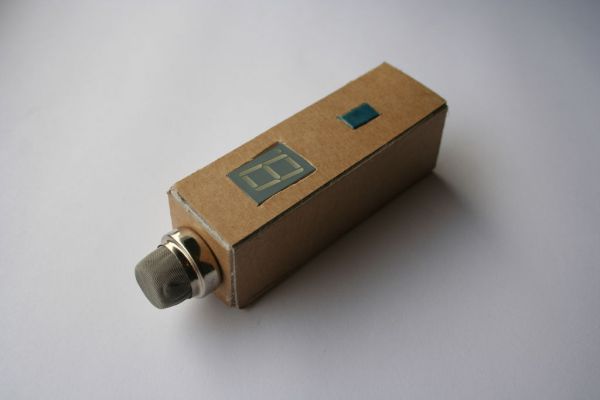
Gas detector / indicator (USB powered) with arduino

ArduSniffer This Instructable shows how to build a gas detector / indicator using an arduino. The finished product is USB powered and displays the amount of detected gas on a led display. In this design the reset button on the arduino is also working. This project will cost you between €25,- and €65,- depending on

Gas detector / indicator (USB powered) with arduino Continue Reading

Arduino kaosillitaor

Kaosduino: Create your own kaosillitaor using Arduino

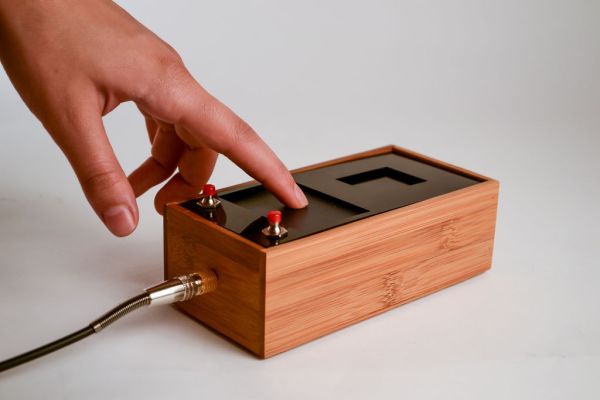
This project is a part of experiments done while doing an artist in residence at Instructables. You can see the other projects here. Inspired by Korgs Kaossilator I took it upon myself to build an opensource version of it. This way people can design new ways of interacting with the touchpad. The basic principle is creating

Kaosduino: Create your own kaosillitaor using Arduino Continue Reading

Piezo element to detect vibration using Arduino

How to use a Piezo element to detect vibration using Arduino

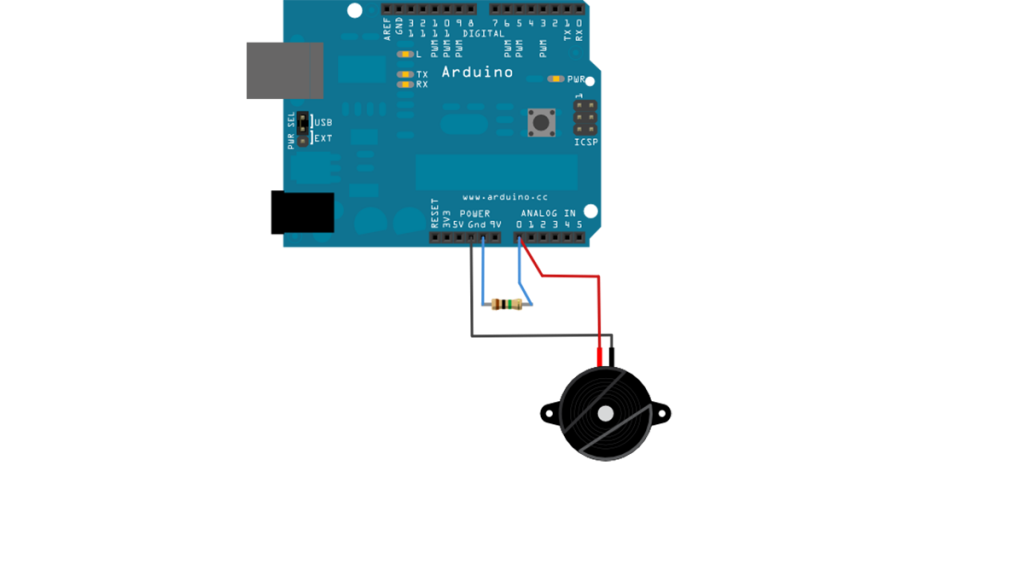
This tutorial shows you how to use a Piezo element to detect vibration, in this case, a knock on a door, table, or other solid surface. A piezo is an electronic device that produces a voltage when it undergoes physical deformation from a vibration, sound wave, or mechanical strain. Likewise, applying voltage to a piezo

How to use a Piezo element to detect vibration using Arduino Continue Reading

Scroll to Top