Metering – Instrument Projects

Build Your Own Sourcemeter

Build Your Own Sourcemeter Using Arduino

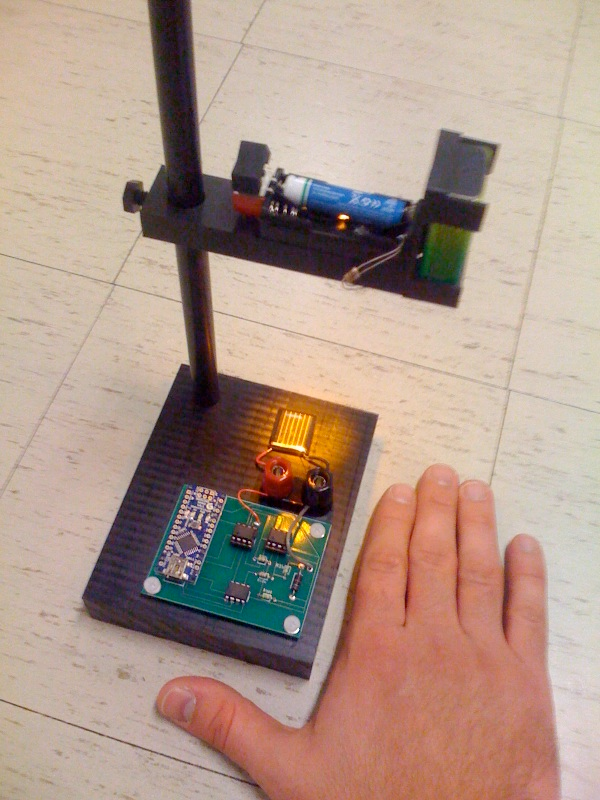
This is an explanation and set of building plans for a USB-powered sourcemeter with a personal computer interface. The sourcemeter uses an open-source Arduino microprocessor and the user interface uses the open-source Processing environment. The sourcemeter was designed as a homemade current-voltage (IV) tester to measure the IV characteristics of a solar cell by sweeping applied voltage across

Build Your Own Sourcemeter Using Arduino Continue Reading

Zigbee Wireless Relay Control and Power Monitoring System

Zigbee Wireless Relay Control and Power Monitoring System

Introduction We designed a system for wirelessly controlling relays and monitoring current.  This is used for a home load simulation.  By wirelessly turning relays on and off by sending commands from a PC to a microcontroller we can change the total load (current) to our simulated home.  For wireless communication, we used XBee Series 2

Zigbee Wireless Relay Control and Power Monitoring System Continue Reading

ADXL3xx Accelerometer using an Arduino

ADXL3xx Accelerometer using an Arduino

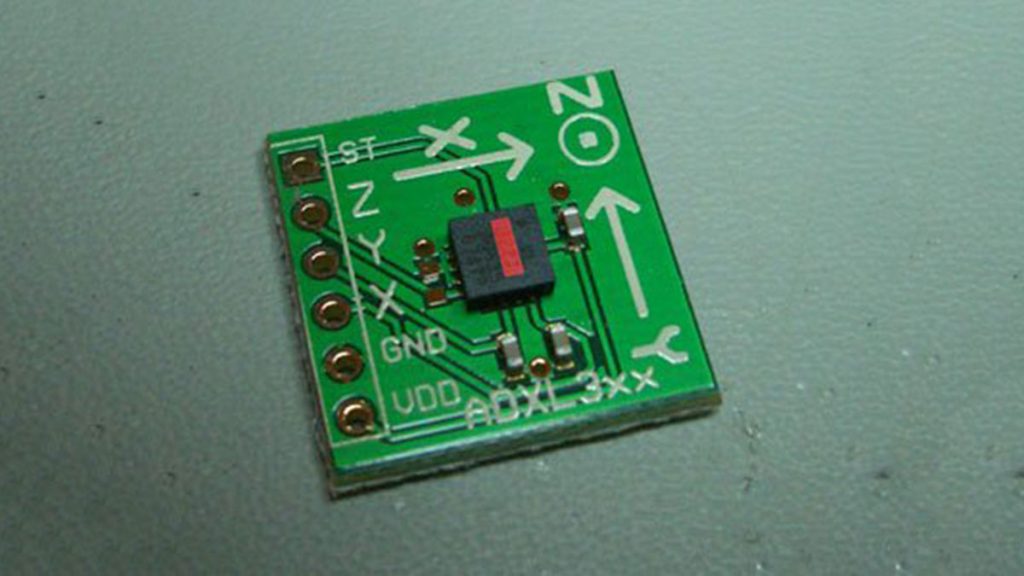
This tutorial shows you how to read an Analog Devices ADXL3xx series (e.g. ADXL320, ADXL321, ADXL322, ADXL330) accelerometer and communicate the acceleration to the a personal computer. This tutorial was built using the breakout boards from Sparkfun. The adafruit accelerometer breakout board also works, though it must be wired differently. The ADXL3xx outputs the acceleration

ADXL3xx Accelerometer using an Arduino Continue Reading

Potentiometer or variable resistor control LED Code

Potentiometer or variable resistor control LED Code

The if() statement is the most basic of all programming control structures. It allows you to make something happen or not depending on whether a given condition is true or not. It looks like this: if (someCondition) { // do stuff if the condition is true } [Get Code] There is a common variation called if-else that looks like

Potentiometer or variable resistor control LED Code Continue Reading

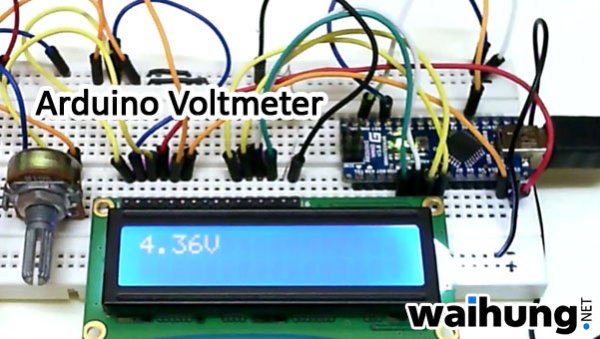
Arduino Voltmeter

Arduino Voltmeter Code

This arduino projects show how to make voltmeter with your arduino. It use voltage divider concept to estimate the voltage input. Instruction; 1) Connect all jumper wire as shown in diagram. Upload this code to your arduino /*   Voltmeter   Voltmeter base on voltage divider concept.   Code based on: http://www.clarenceho.net:8123/blog/articles/2009/05/17/arduino-test-voltmeter   Coded by: arduinoprojects101.com */ // include the library code: #include <LiquidCrystal.h> // initialize the library with the numbers of the interface pins LiquidCrystal lcd(7, 8, 9, 10, 11, 12);

Arduino Voltmeter Code Continue Reading

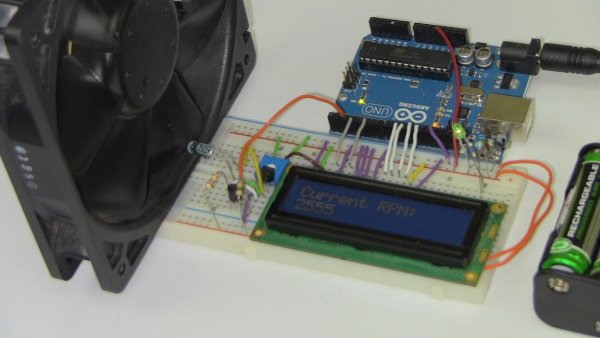
Arduino RPM Counter

Arduino RPM Counter / Tachometer Code

Arduino projects, make arduino rpm counter with arduino.   Instruction;1) Connect all jumper wire as shown in diagram. 2) Connect IR LED to digital pin 13. 3) Connect IR Phototransistor (dark) to digital pin 2. Make sure shorter lead connected to digital pin 2 and longer lead to Ground. Upload this code to your arduino/** Optical Tachometer** Uses an IR LED and IR phototransistor to implement an optical tachometer.* The IR LED is connected to pin 13 and ran continually.* Pin 2 (interrupt 0) is connected across the IR detector.** Code based on: www.instructables.com/id/Arduino-Based-Optical-Tachometer/* Coded by: arduinoprojects101.com*/

Arduino RPM Counter / Tachometer Code Continue Reading

Power Meter using Arduino

Power (Energy) Meter using Arduino

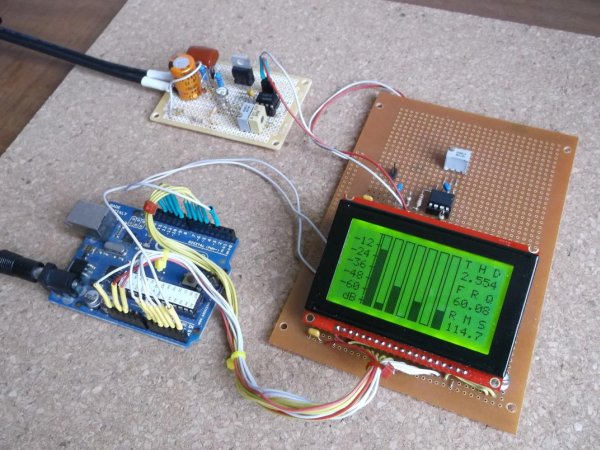
Part 1.  Analog Front-End. Opto-Isolator. Looking at the Power Quality Analyzer display, I was wandering, if there is any error in the measurement results, introduced by transformer. Overall THD picture doesn’t change much, suspiciously drawing same chart in the morning and in the evening, when electrical grid load significantly differs. Obviously, to estimate effect of

Power (Energy) Meter using Arduino Continue Reading

Audio VU Meter using Arduino 1

Audio VU Meter using Arduino

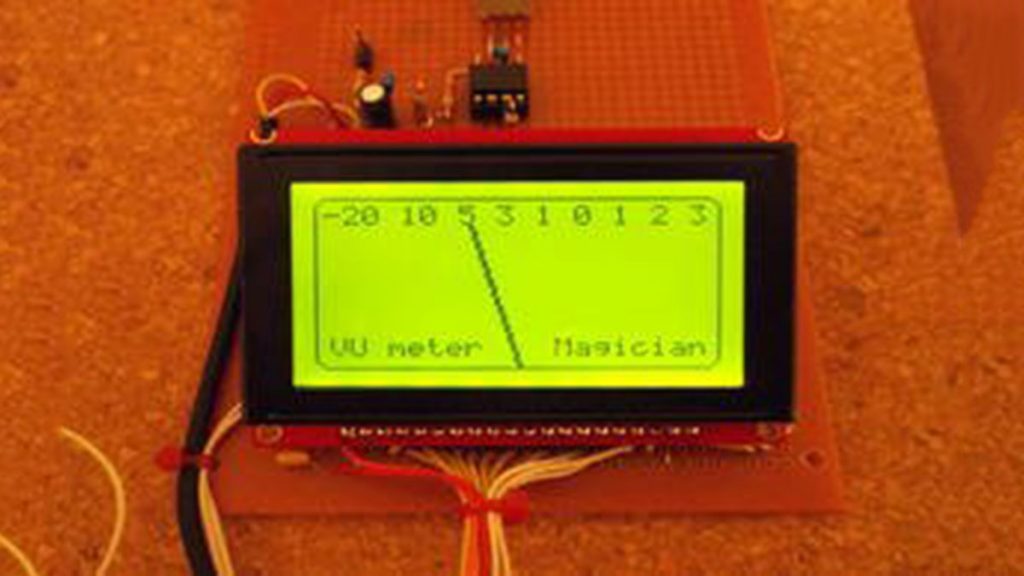
Biasing AC input using resistor divider and scaling up / down if necessary; Sampling fast and accurately using direct access to Control Registers of ADC and Timer1; Subtract whatever was added at step #1 from result of Analog / Digital conversion and Square; Average / accumulate, filtering following VU specification; Sqrt – take square root,

Audio VU Meter using Arduino Continue Reading

Scroll to Top