
Summary of Notification of Orders in Tindie
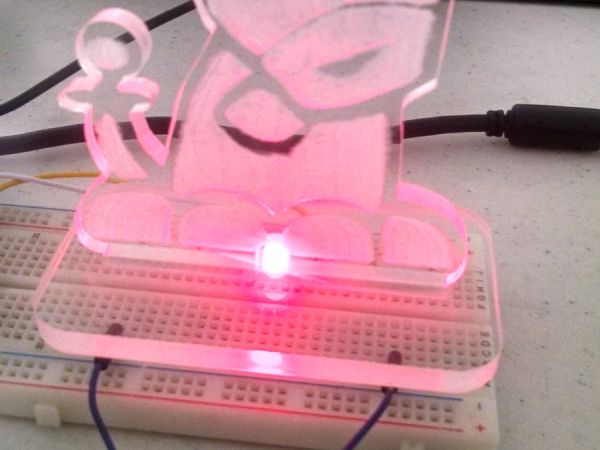
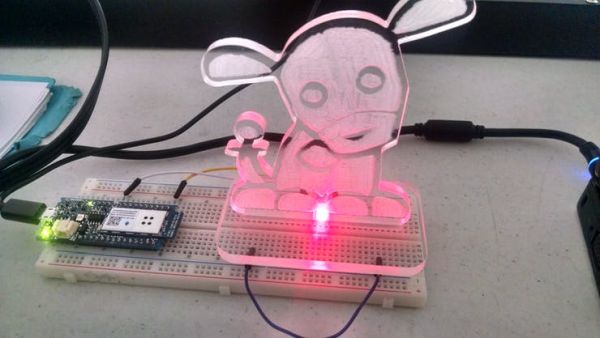
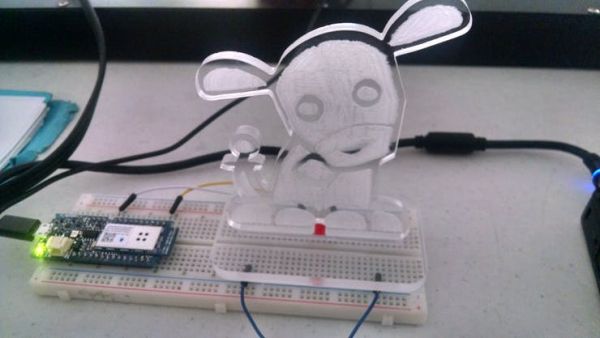
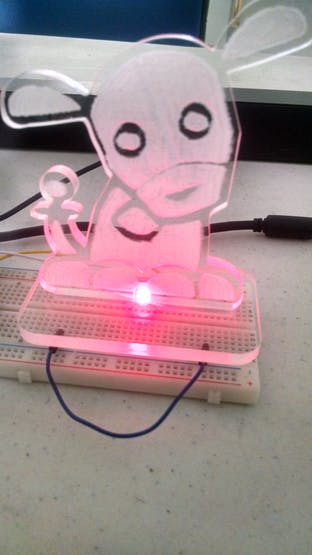
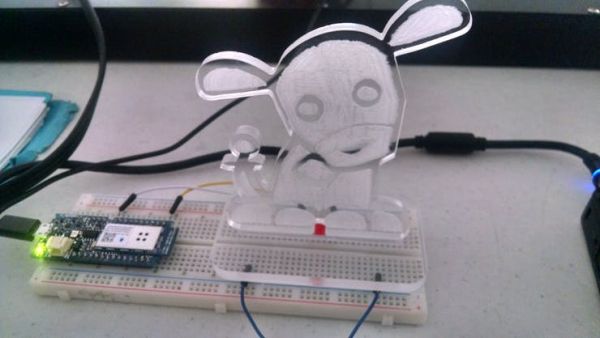
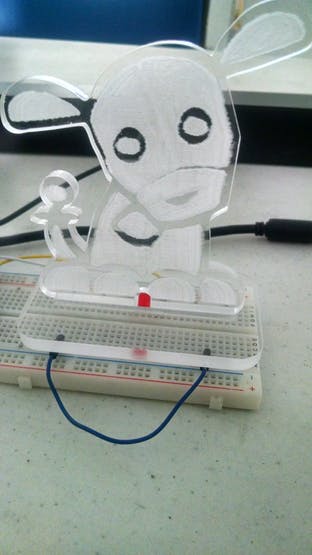
This article describes an Arduino MKR1000 project that monitors the Tindie API to send notifications when a new order is placed. The system uses TLS 1.2, necessitating the MKR1000 over ESP8266 modules. Users must install the WiFi 101 library and configure their username and API key in the code. The physical setup involves a laser-cut acrylic case called "Tindie Dog" housing the electronics and an LED for alerts.
Parts used in the Tindie Order Notification System:
- Arduino MKR1000
- LED (generic)
- Laser cutter (generic)
- Acrylic material
When you have a new order in Tindie your Arduino warn you.
Things used in this project
Hardware components |
||||||
 |
|
× | 1 | |||
 |
|
× | 1 | |||
Software apps and online services |
||||||
|
||||||
 |
|
|||||
Hand tools and fabrication machines |
||||||
 |
|
|||||
Story
Hi Inventors
For a long time I’ve been selling some products in Tindie.com a shop the hadware of makers for makers, every time you make a sale of a product you receive a notification in you email with the data of client for ship.
Tindie also has an API with the that you can know state of the shipments, i did a project with my Arduino MKR1000 for use Tindie API and notify me when there is a new order.
NOTE: The first thing a knows is that Tindie manage TLS 1.2, that’s why you can’t use the ESP8266 for it’s project and that’s why i am using Arduino MKR1000 with support for TLS 1.2.
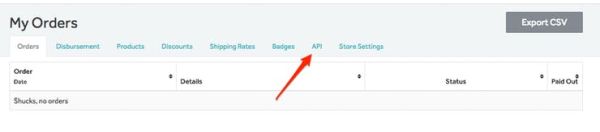
Now the first thing to understand is the Tindie API and get you API key for make the next request:
https://www.tindie.com/api/v1/order/?format=json&username=yourname&api_key=XXXX
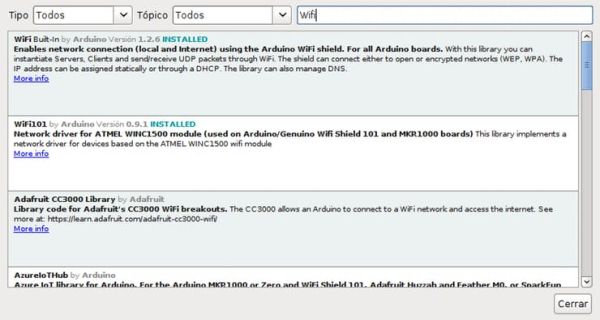
After you have to install the library “WiFi 101” from Manage Library of the Arduino IDE
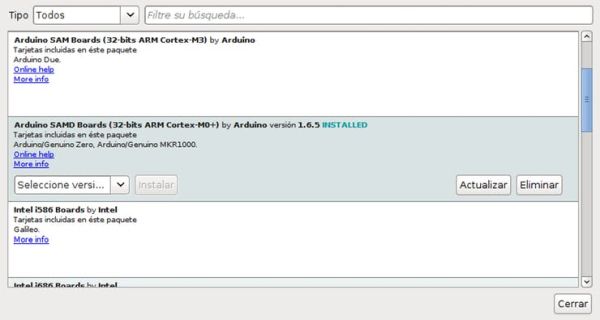
And install the board Arduino MKR1000 from Manage Boards of the Arduino IDE “Arduino SAMD Board 32 bits”
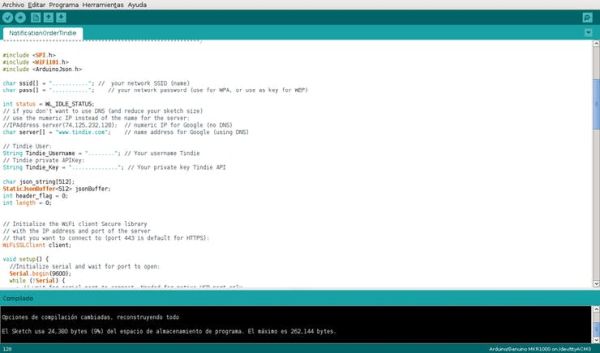
The Code for work you can find it in the section “Code” with the link to my repository in github. In the code you should only change the variables for your data “username” and “API key”
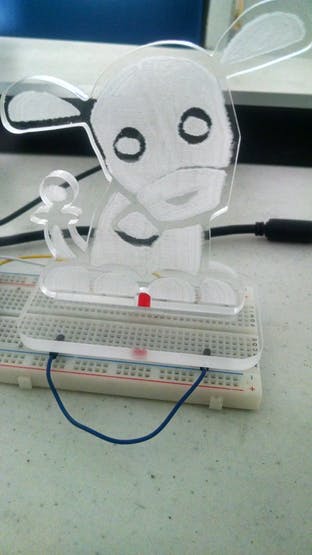
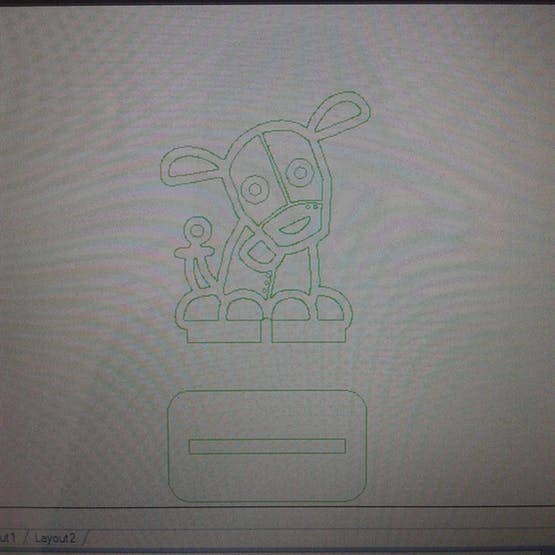
Is the time to assemble the strucuture of “Tindie Dog” in acrilyc that is very easy the build in the laser machine and the section of attanchments you can find the appropriates files.
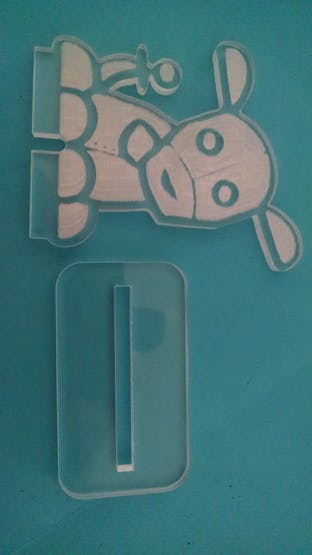
 Tindle dog
And with that you will have everything ready!!
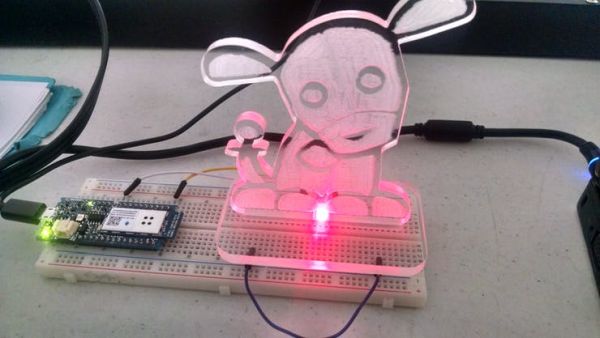
If you want us to get a notification, you can visit our store and purchase something ;D
Thanks
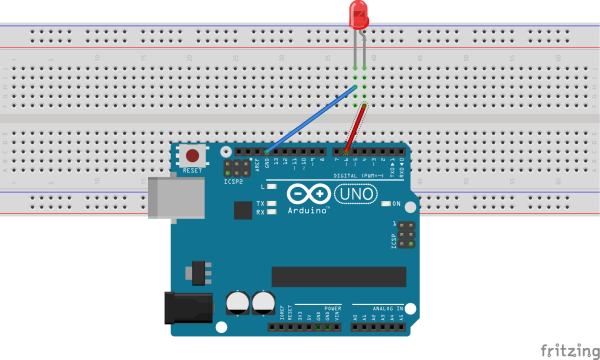
Schematics
Code
Source : Notification of Orders in Tindie
- Why can't I use an ESP8266 for this project?
Tindie manages TLS 1.2, which the ESP8266 does not support. - What hardware component is required instead of ESP8266?
You must use the Arduino MKR1000 because it supports TLS 1.2. - Which software library needs to be installed from the Arduino IDE Manage Library?
You need to install the WiFi 101 library. - How do you add the Arduino MKR1000 board to the IDE?
Install the Arduino SAMD Board 32 bits from the Manage Boards section. - What information must be changed in the code to make it work?
You only need to change the variables for your username and API key. - What tool is recommended to build the structure for the device?
A laser machine is used to build the acrylic structure easily. - What is the name given to the assembled acrylic structure?
The structure is named Tindie Dog. - Where can users find the files for the attachments?
The appropriate files are found in the attachments section of the project.
